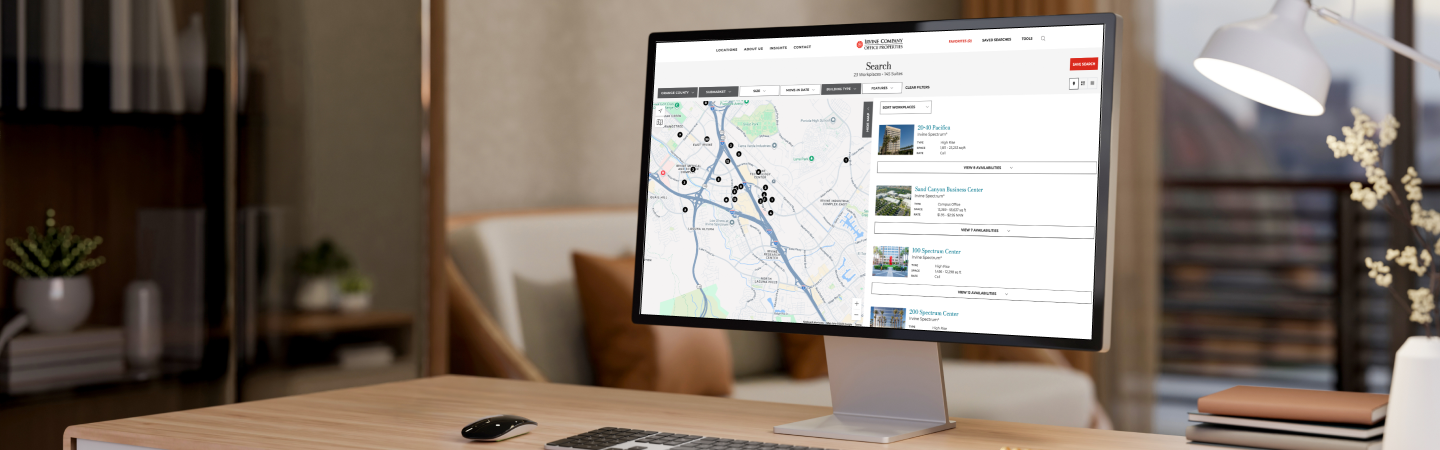
Finding the right workplace is even easier with website features that help you save, manage and share custom searches
Key Takeaways
- Customized Searches: Create, save and share tailored workspace searches.
- Daily Alerts: Opt in for email notifications about new matching workspaces.
- Easy Management: Monitor and edit your saved searches anytime with a password-free login.
Manage and Share with Ease
Access your list of saved searches anytime by clicking “Saved Searches” at the top of any page. From there, you can:
- Monitor Availabilities: Click on your saved search names to see the latest filtered search results matching your criteria.
- Share Searches: Send links to your filtered search results pages to clients and colleagues.
- Edit Criteria: Adjust filters for your saved searches, or delete them when no longer needed.
- Control Notifications: Turn alerts on and off.
Getting Started with Saved Searches
1. Apply Filters
After starting your search from our homepage, use the filters above the map on the results page to narrow options down by submarket, workspace size, move-in date and workplace features.
2. Save and Name Your Search
Click the “Save Search” button at the top of the screen, follow the simple steps to log in with a one-time passcode and give your search a name.
3. Turn on Alerts
Opt in to receive email updates when new workspaces match your criteria (no more than once per day).
You can set up and save multiple custom searches and give each a unique name to keep your searches organized.
To see these new features in action, watch the video preview below or try them now.